Content Factories Are Here
Two channels made 116 videos and got over 475K views in 38 days. Here’s how they ran on Motion.
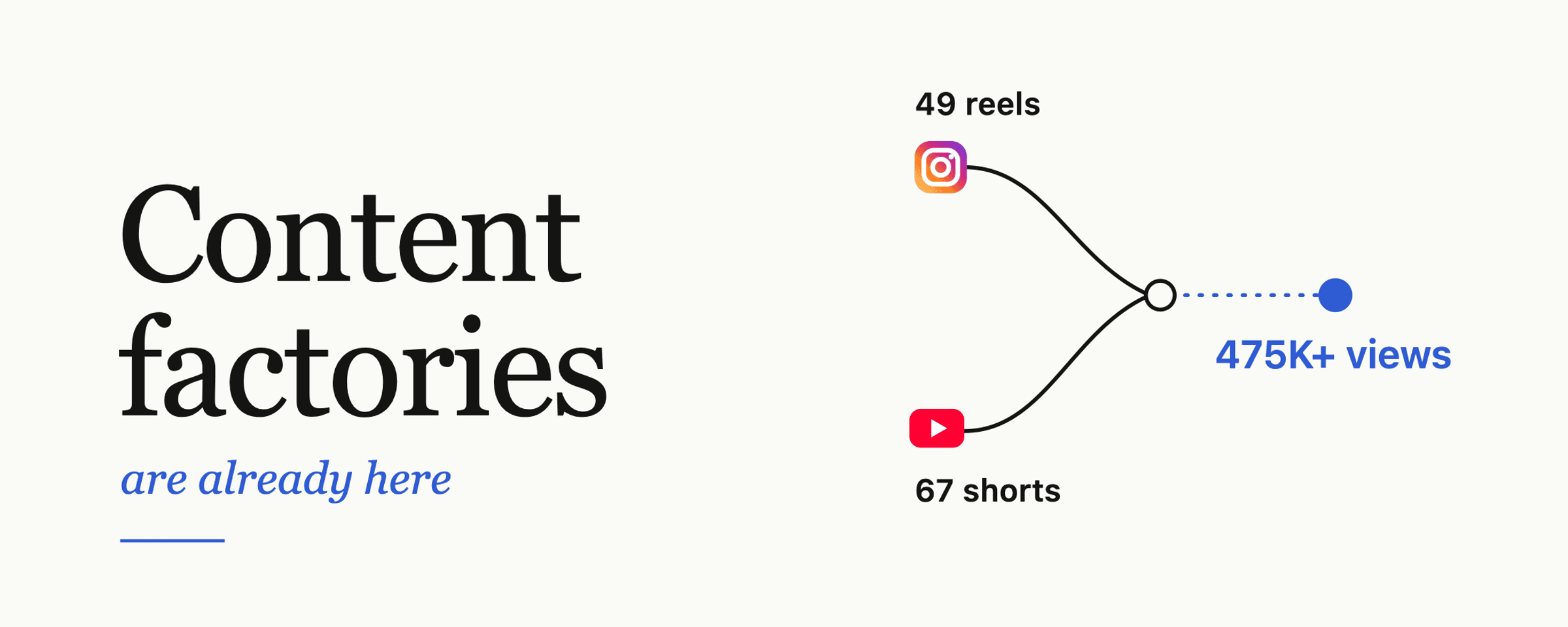
Content factories are not coming. They are here. In the last 38 days, two end-to-end automated channels run by our team members published 116 videos and got over 475K views. Nobody edited a single one by hand. We ran both automations with our own product, motion.so.
Both channels are linked below, so you can watch the videos yourself.
A year ago this took a team: a researcher, an editor, a motion designer, someone to post. Today it takes one person who knows what the channel is about, and a factory that does the rest.
In 12 months, running a channel by hand will feel as strange as writing every line of code by hand does now.
What a content factory is
A content factory is a system that makes good videos at scale without a person making each one.
The person does one thing: tell the factory what kind of content the channel needs, and set a theme for the entire channel to keep it on brand. The factory picks the topic for every video, researches trends, builds the video, adds the sound, renders it, and also posts it to those platforms.
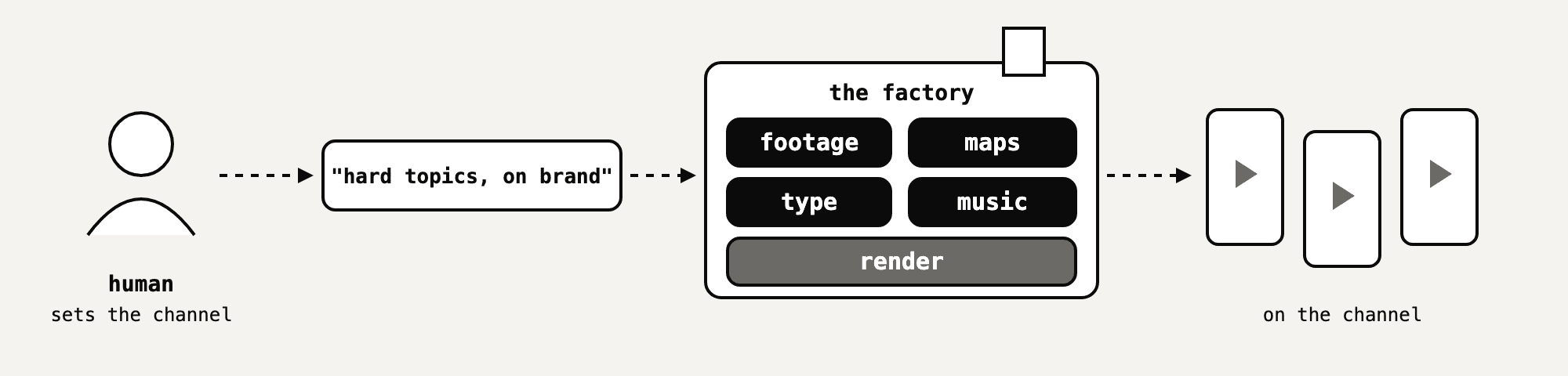
Software went through this already. Developers stopped writing every line and started running systems that write, test and ship the code for them. People call those software factories. The same thing is now happening to video, and Motion is the factory.
Factory one: 49 reels, 342K views
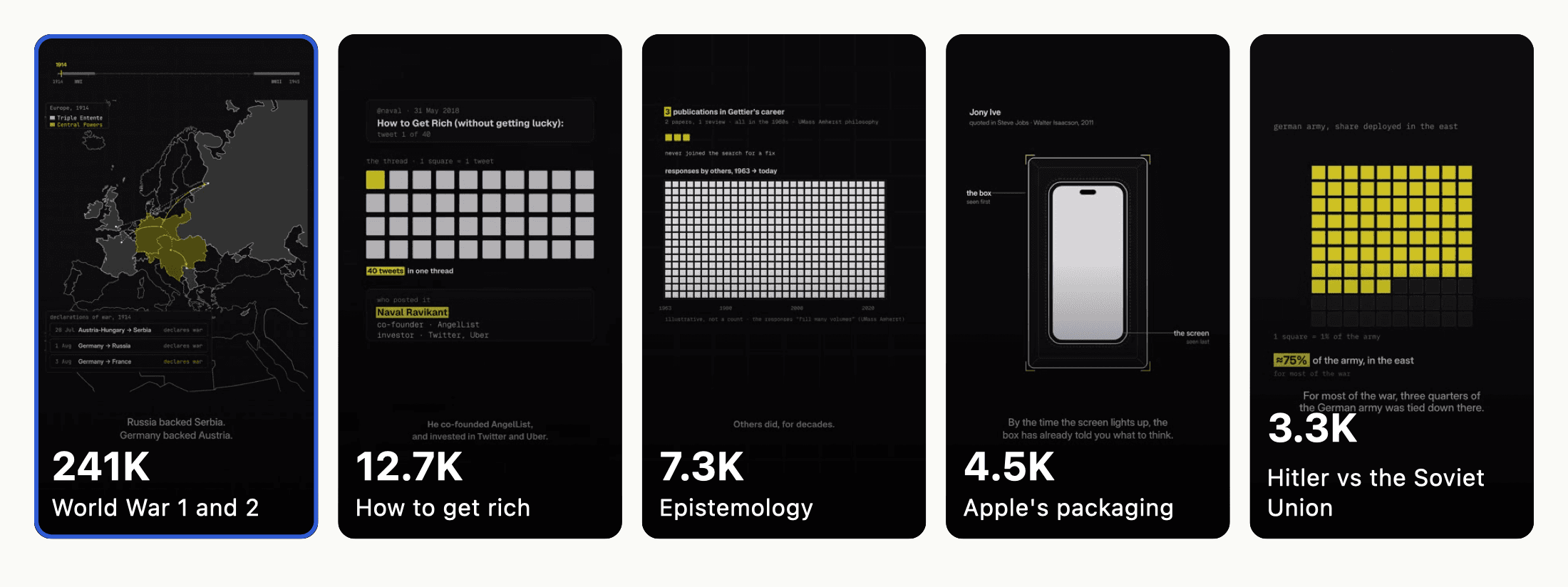
On October 17, Aniket on our team started an Instagram page called Visualised Knowledge. Hard topics, explained short. World wars, Caesar, how Face ID works, epistemology.
-
49 reels in 38 days. About 1.3 a day.
-
About 342K views and 2,631 followers.
-
One reel reached 241K views.
An explainer on the theory of knowledge got 7,263 views. Every single video on this page was automated with motion.so, connected to the Instagram page.
It figures out the topic by itself, runs daily on its own, and makes and posts every video by itself.
Factory two: 67 Shorts, 136K views
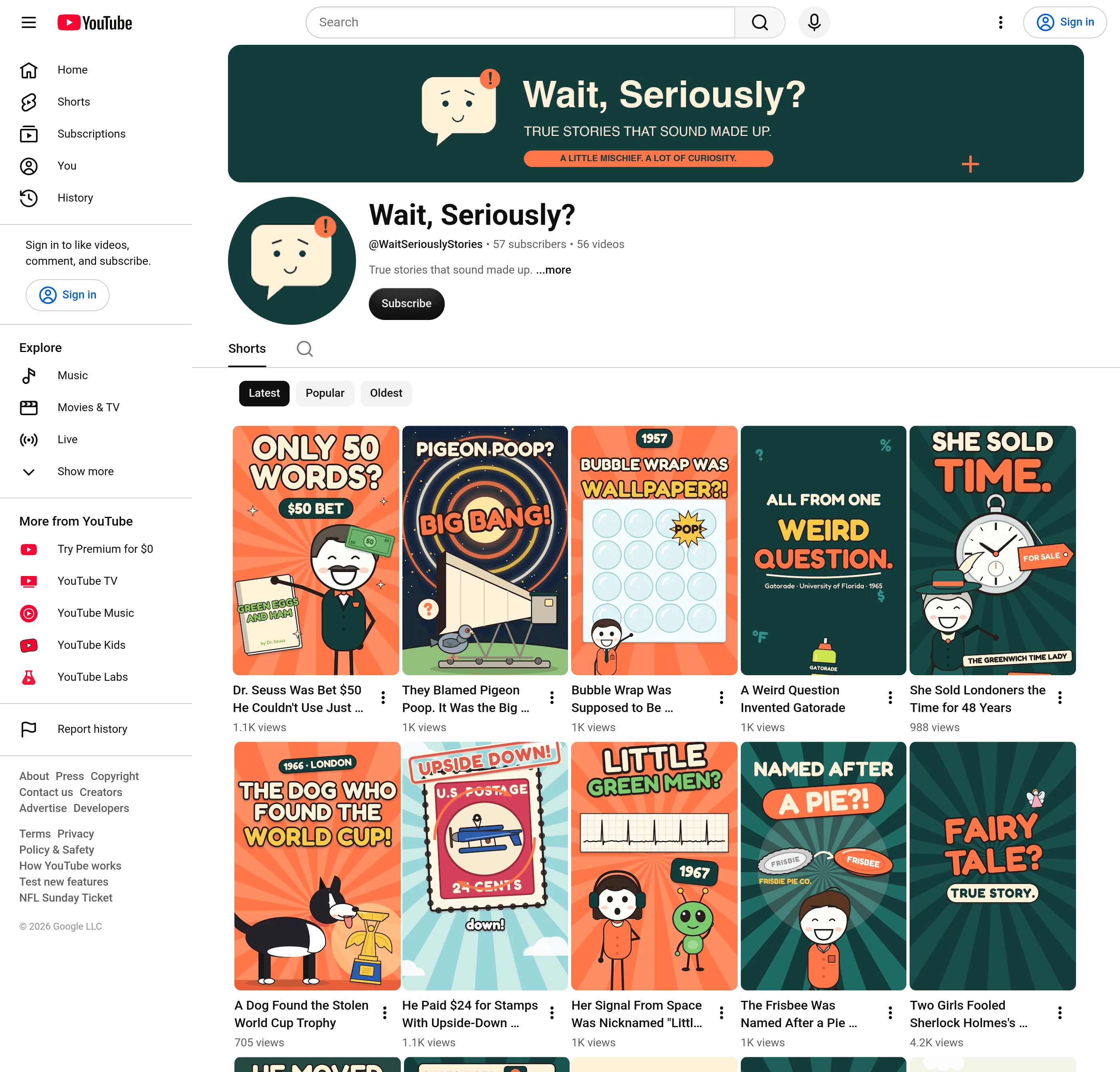
On November 4, Kyle from our team started a YouTube Shorts channel called Wait, Seriously?. Strange true stories from history.
-
67 Shorts in 20 days. For its first two weeks it posted four a day, at 12am, 6am, 12pm and 6pm.
-
Over 136K views.
-
Most Shorts land around 1,000 views or more. The best one, a Dr. Seuss story, is at 26.8K.
Four a day, on the clock, for two weeks. And 100% automated in Motion.
Kyle made a new channel and connected it to Motion.
Set up your own in three steps
The fastest way: just ask. Open a chat in Motion and say something like "Set up an automation that makes a 60-second explainer on a hard topic every day and posts it to my Instagram." You can also describe the style you want. Motion sets up the whole automation for you. Or click Create in Automations and pick "Create with Motion".
Or set it up yourself:
-
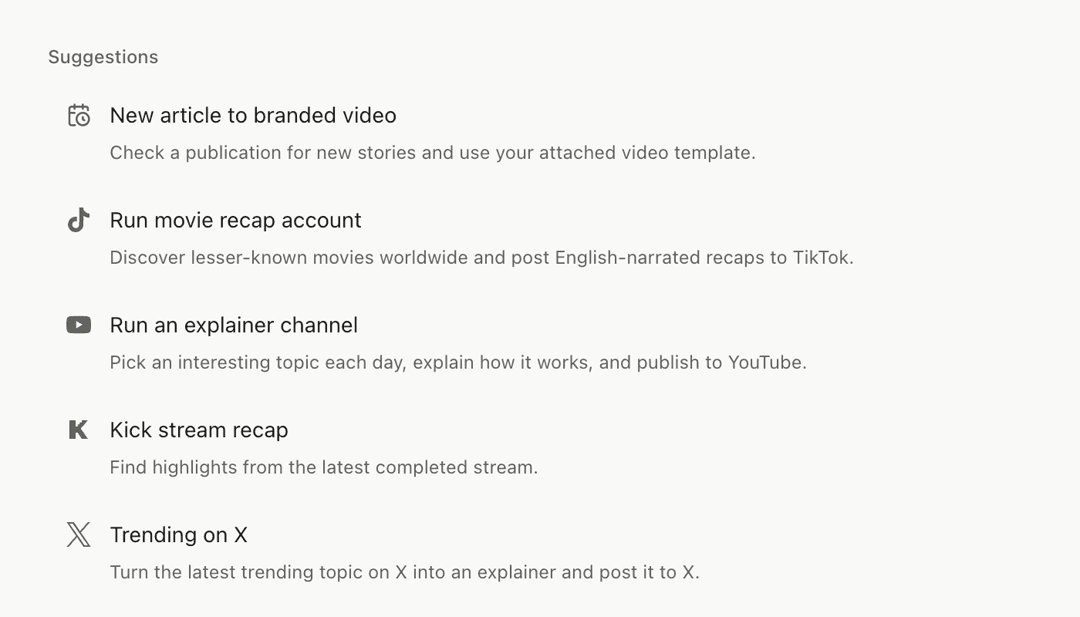
Open Automations in Motion and click Create automation. Or start from a suggestion like "Run an explainer channel".
-
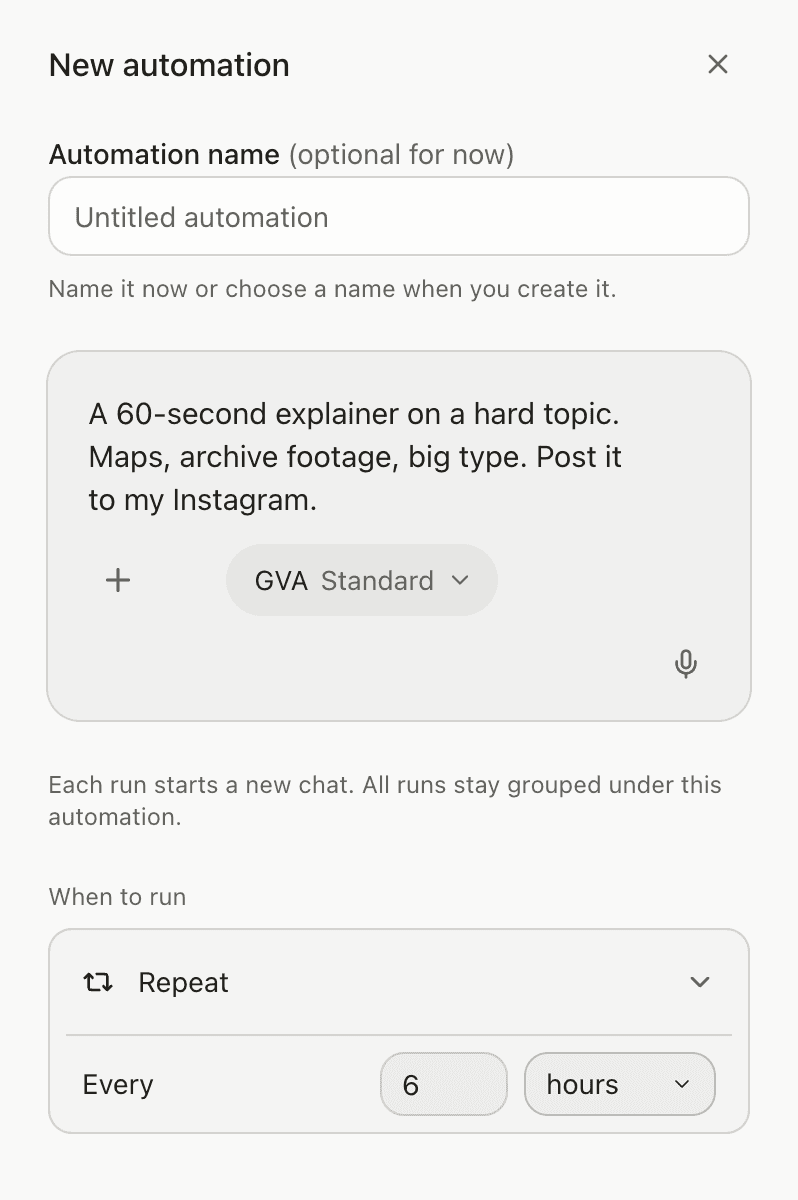
Describe your channel and set when it runs. For example: "A 60-second explainer on a hard topic. Maps, archive footage, big type. Post it to my Instagram." Then set it to repeat every day, or every 6 hours if you want four a day.
-
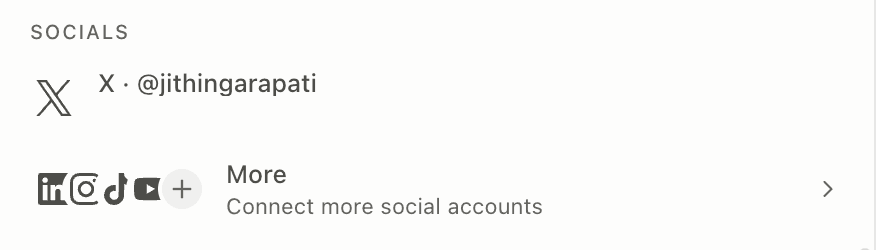
Type @ and pick your social account. Every run opens its own chat, and finished videos show up in your scheduled posts.
Then let it run and watch the channel grow.
A couple of example channels you can run
A GTA 6 clipping channel: look at popular streams on YouTube every day, clip the best moments and post them to YouTube Shorts and TikTok. Motion can do the research, and it can post to multiple channels at once. Start from the clipping template →
A movie recap channel: every day, find a lesser-known movie from anywhere in the world, turn it into a short English-narrated recap and post it to TikTok. Motion picks the movie, writes the script and does the voiceover. Set it up →
A trending explainer channel: every morning, take the top trending topic on X, turn it into a short explainer and post it to X. Motion finds what's trending, so the channel is always on today's news. Set it up →
What happens next
Right now very few people run a content factory. We think that changes fast. The people who start now will have a hundred videos of learning behind them by the time everyone else begins.
Start yours at motion.so/automations.